Accessing my product label reports
Overview
Once our Compliance Team have completed your product label review, you will be able to access and download the reports, via your Expandly portal
Downloading your product label report
1. Log into your Expandly Portal
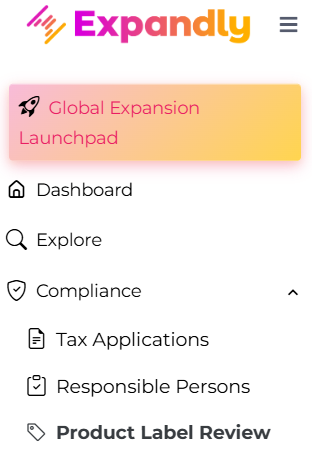
2. Click Compliance > Product Label Review, on the left hand pane :
3. On your Product Label Review page, if the status of the review shows as 'Complete', click on the icon within the  within the Report column, which will download the file for you to open and review:
4. For more information on the next steps once you have received your report, please click here
Need more help?
If you need more help, no problem. Contact Us and we'll be happy to help.